
If you run an MSP, consulting firm, or agency, you’ve likely felt the strain of managing projects, resources, and billing across too many tools. As work scales, this patchwork approach leads to inefficiency and limited visibility.
Professional Services Automation (PSA) brings these functions together—project management, resource planning, time tracking, and financials—in one unified system. With everything in one place, teams work more efficiently, and leaders gain clearer insight into performance.
This article breaks down what PSA is, its key components, the types of PSA systems, who benefits most, and how to implement it successfully.
What is professional services automation?
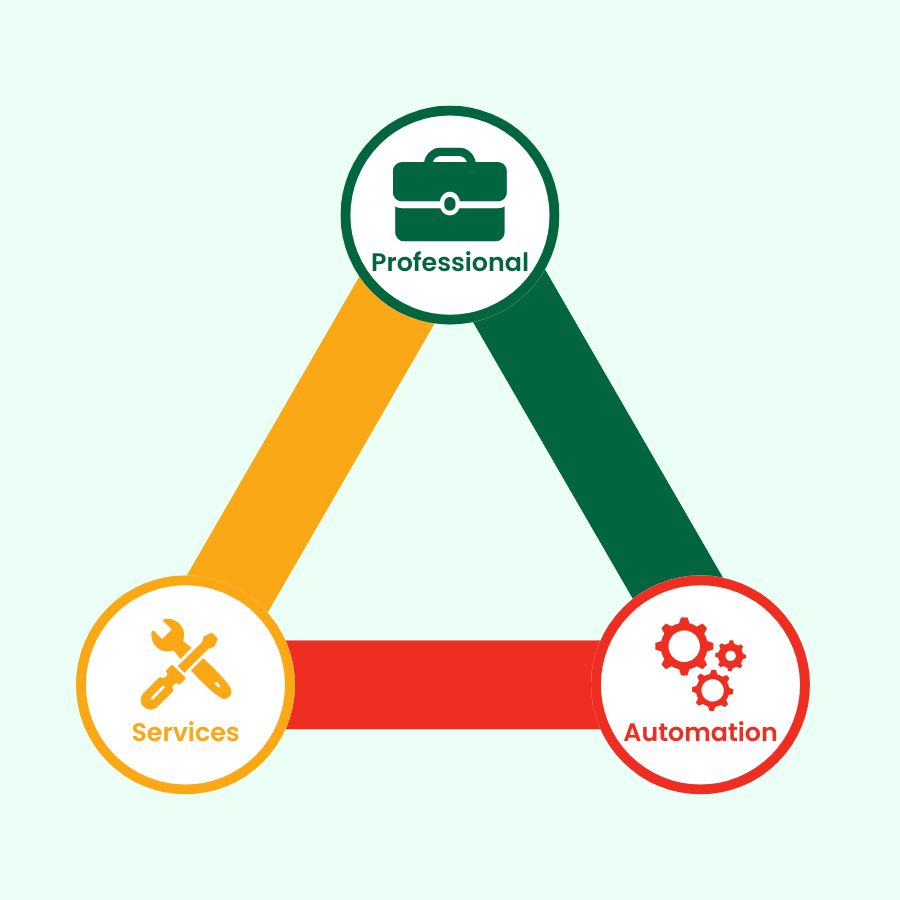
Professional Services Automation (PSA) is a centralized platform that helps service-based organizations manage their entire service delivery lifecycle—from project planning and resource allocation to time tracking, billing, and performance reporting.
Think of PSA as the backbone of your delivery operations. If CRM manages your sales pipeline and accounting handles your finances, PSA manages everything in between: the actual execution of client work.
For MSPs (Managed Service Provider), consulting firms, and agencies, PSA provides:
- A unified view of all projects, commitments, and resources
- Visibility into utilization, profitability, and workload distribution
- Tools to manage time, expenses, invoicing, and forecasting
- Better control over margins and project outcomes
What truly sets PSA apart from basic project management tools is its focus on financial clarity, resource efficiency, and operational automation—areas that directly influence profitability.
Key components of professional services automation
PSA platforms include a wide range of capabilities designed to streamline service delivery from start to finish. These components work together to provide an integrated view of operations that is far more comprehensive than what individual tools can offer.
1. Project management
Project management in PSA systems goes beyond task assignments and timelines. These tools allow organizations to build structured project plans that tie together milestones, deliverables, resource needs, and projected costs.
Additionally, managers gain insight into how projects are progressing, where risks may arise, and how resources should be distributed to meet deadlines. Because project data is connected to other PSA functions, leaders can evaluate not only whether a project is on schedule, but also whether it is on budget and aligned with overall business goals.
2. Resource management
Resource management is one of the most challenging aspects of running a professional services operation. PSA provides a centralized view of all team members, their workloads, skills, and availability—making it easier to allocate the right person to the right project at the right time.
Therefore, this visibility is especially valuable in MSPs and agencies, where workloads fluctuate frequently, and overstaffing or understaffing can have significant cost implications. By forecasting demand and monitoring utilization, PSA helps organizations balance workloads, prevent burnout, and maximize billable capacity.
3. Time and expense tracking
Accurate time and expense tracking is essential for billing clients, assessing project profitability, and understanding overall business performance. PSA makes this process more seamless by integrating time tracking directly into tasks, tickets, or project activities.
Additionally, team members can log hours quickly, and managers can ensure that time entries comply with internal policies. Because time and expenses flow automatically into financial processes, there is less room for error, and invoicing can be completed more efficiently.
Beyond billing, time tracking data provides valuable insights into where resources are being spent and how to improve operational efficiency.
4. Financial management
Financial management is a core strength of PSA systems. PSA connects project activities with financial outcomes by providing tools for budget creation, cost tracking, forecasting, and revenue recognition.
Billing becomes far more accurate because it is generated directly from approved time and expense entries, retainer agreements, or project milestones. This reduces administrative overhead, eliminates revenue leakage, and accelerates cash flow.
For service-based organizations that rely heavily on predictable billing cycles, PSA offers a level of financial visibility and consistency that standalone tools cannot match.
Types of professional services automation systems
Not all PSA platforms are built the same. Understanding the types helps organizations choose the right fit.
1. Standalone PSA Platforms
Standalone PSA platforms are built specifically to manage the operational workflows of professional service organizations. These systems typically offer comprehensive features covering project planning, resource management, time tracking, billing, and reporting. All integrated into one dedicated tool.
Because they are designed exclusively for service-centric environments, standalone PSAs tend to deliver deeper functionality, more intuitive workflows, and better financial visibility than general project management tools. Their industry-specific evolution makes them well-suited for MSPs, consulting firms, and agencies that require precise utilization tracking, accurate profitability insights, and a high level of operational control.
2. Integrated PSA Software
Integrated PSA software combines PSA capabilities with other core business tools—such as CRM, helpdesk systems, IT service management platforms, or collaborative project environments—within one unified ecosystem. This approach enables the entire client lifecycle, from sales and onboarding to service delivery and invoicing, to function as a connected process rather than a series of disconnected steps.
MSPs benefit from having ticketing and project work managed in the same platform, while consulting firms and agencies gain efficiency when CRM opportunities transition directly into project plans and budgets. Although integrated PSA solutions may not always offer the specialized depth found in standalone platforms, they excel in operational consistency, data accuracy, and cross-team alignment.
For organizations seeking simplicity and a single source of truth, integrated PSA systems present a compelling option.
Who benefits from PSA systems?
PSA software is most valuable for service organizations that depend on structured delivery, accurate time capture, and clear financial visibility. MSPs, consulting firms, agencies, and technical service providers rely on PSA to standardize workflows, manage resources efficiently, and ensure profitable project execution.
Additionally, finance teams can also see improvements in billing accuracy and revenue recognition, and delivery teams experience streamlined processes with less administrative burden. Overall, PSA strengthens operational control and supports data-driven decision-making across the service organization.
How to implement PSA software successfully
Adopting PSA is a strategic investment—not a plug-and-play tool. Implementation requires planning and organizational commitment.
Below is a practical and achievable approach to rolling out PSA in your MSP, consulting firm, or agency.
1. Assess your business needs
The starting point for any PSA implementation is a thorough assessment of your operational challenges and goals. Many organizations turn to PSA because projects are frequently delayed, workloads are difficult to balance, billing processes are inconsistent, or leaders lack insight into utilization and profitability.

By identifying these issues upfront, you can define exactly what you need the PSA system to address. This clarity helps prioritize features and ensures the chosen solution aligns with your workflow requirements, whether you’re seeking automation, better financial tracking, improved forecasting, or more structured processes. A well-defined needs assessment provides a solid foundation for decision-making throughout the implementation journey.
2. Choose the right PSA platform
Selecting the right PSA system is less about choosing the platform with the most features. Instead, it is more about selecting the one that best fits how your organization operates.
Besides, usability, integration capabilities, financial reporting strength, scalability, customization options, and vendor support are key factors to evaluate. Scheduling demos with realistic use cases allows teams to see how each solution handles their actual workflows, not just idealized examples.
As a result, this hands-on exploration ensures the PSA platform will work within your existing processes rather than forcing unnecessary changes. A thoughtful selection process increases the likelihood of long-term adoption and success.
3. Plan data migration and configuration
Once a PSA system is selected, the next step is setting up the environment and migrating your existing data. This phase requires careful attention because the quality of your setup directly influences how effective the PSA will be.
Moreover, organizations typically begin by importing client records, project information, resource profiles, rate cards, and historical data. Next, they configure templates, permissions, approval workflows, and billing rules to match internal structures and policies.
A well-executed configuration ensures the PSA reflects your operational reality, reduces administrative friction, and establishes a strong foundation for consistent use. Therefore, taking the time to plan and validate this phase prevents issues later and promotes a smoother transition.
4. Train your team and manage change
Successful PSA implementation relies heavily on user adoption, which is why training and change management are critical. Teams must understand not only how to use the system but also how their daily workflows will improve as a result.
Providing role-based training ensures that project managers, resource planners, finance teams, and delivery staff each learn the features relevant to their responsibilities. Documenting new processes helps reinforce consistency, and introducing the PSA through pilot groups or internal champions can help build confidence and encourage early buy-in.
When people understand the purpose and benefits of the change, they are far more likely to adopt the new system.
5. Integrate PSA into your tech stack
PSA platforms are most powerful when they work as part of a unified operational ecosystem. Integrating your PSA with CRM systems, accounting software, ticketing platforms, time-tracking tools, or payroll applications ensures data flows smoothly across departments and eliminates duplicate entry.
This integration enables a single source of truth for project information, financial records, and client activity. For MSPs in particular, integrating PSA with ticketing systems improves ticket-to-invoice workflows, enhances SLA tracking, and increases financial accuracy. Effective integration strengthens operational visibility and supports more efficient collaboration across the entire team.
6. Monitor, optimize, and iterate
PSA implementation doesn’t end when the system goes live. To fully realize its value, organizations must continuously monitor system performance and refine workflows over time.
Key metrics such as utilization rates, billing cycle times, project profitability, resource bottlenecks, and forecast accuracy provide insight into how effectively the PSA is supporting operations. As teams become more comfortable with the platform, additional automation and process improvements can be introduced to increase efficiency.
Continuous optimization ensures the PSA evolves with the organization and supports long-term growth, rather than becoming a static tool. Treating PSA as an ongoing strategic asset rather than a one-time installation leads to stronger outcomes and a more mature service delivery operation.
Conclusion
Professional Services Automation is becoming indispensable for MSPs, consulting firms, and agencies seeking to elevate their operational maturity. By consolidating project delivery, resource management, financial processes, and reporting into a single system, PSA provides the structure and clarity needed to run a scalable, profitable services organization.
Not only that, it transforms disconnected workflows into streamlined processes, enabling teams to work more efficiently and leaders to make better-informed decisions.
Whether your goals involve improving utilization, enhancing project visibility, accelerating billing cycles, or strengthening long-term forecasting, PSA offers the capability and insight to support those objectives. For organizations finding current tools limiting or their workflows increasingly complex, PSA is a strategic investment that leads to greater efficiency, stronger financial performance, and more predictable growth.