
Managing projects is a complex and demanding task that requires project managers to take on a wide range of responsibilities, often simultaneously, which can be overwhelming at times. These responsibilities include tasks such as: Dealing with documents, setting clear goals, assigning tasks to the team members, keeping track of the project’s progress, ensuring to meet the milestone before the deadline, and so on…
Handling all of these tasks manually often leads to a series of challenges, including missed deadlines, increased stress, and a constant sense of overwhelm, which ultimately results in subpar outcomes and a lack of efficiency throughout the project.
Thankfully! Technology has developed a number of online tools that project managers can use to handle different project tasks and make their lives easier. These tools reduce efforts and save time during the project.
In this blog post, we are going to explain five effective tools that will truly prove helpful for managers to keep their projects clean and organized. Let’s explore each tool one by one, along with its perks for project managers.
1. TaskFord
TaskFord is an Integrated Work Delivery Platform that helps project managers keep projects clean, organized, and connected from planning to delivery. It brings project management, workload planning, time tracking, portfolio visibility, and team collaboration into one workspace.
Instead of managing tasks, timelines, resources, and reports across separate tools, managers can use TaskFord to organize work clearly, assign responsibilities, monitor progress, and understand whether projects are moving toward successful delivery.
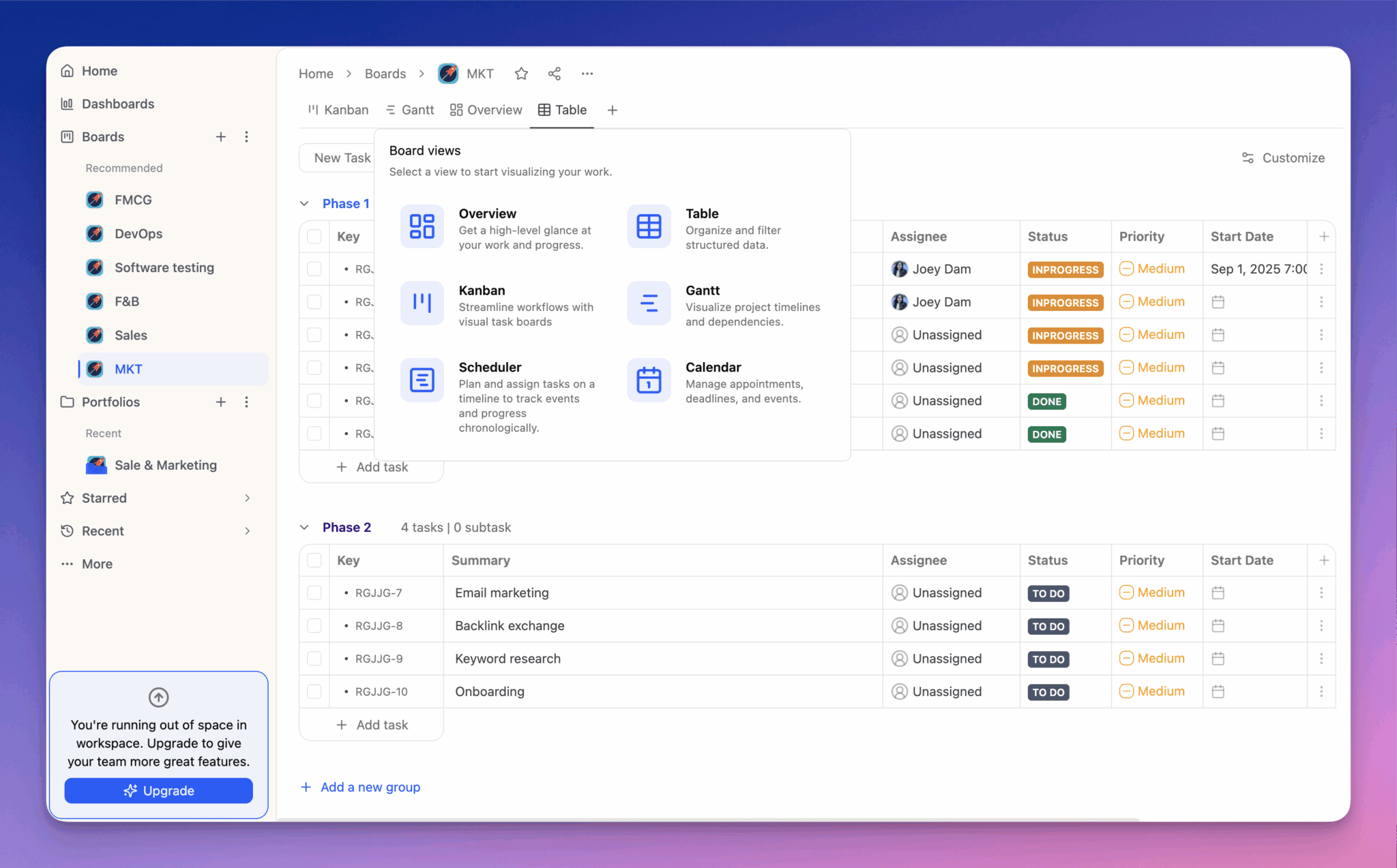
How TaskFord Helps In Project Management?
- Create tasks, boards, timelines, and portfolios to structure work clearly
- Assign owners, priorities, deadlines, and statuses to keep responsibilities visible
- Use multiple views such as Kanban, Table, Schedule, Calendar, and Gantt to manage work from different angles
- Track workloads and resource capacity to prevent overbooking
- Log time and manage timesheets to understand where effort is spent
- Monitor project progress, budgets, costs, and delivery risks
- Use dashboards, reports, filters, and search to keep project information easy to find
- Centralize comments, attachments, and updates so teams stay aligned
In short, TaskFord helps project managers move beyond basic task tracking by connecting work, resources, time, and delivery visibility in one organized platform.
2. Online Notepad
Sometimes, project managers just need a secure place where they can jot down their ideas, organize meeting notes, or create guidelines related to their projects. Online Notepad is an efficient tool that comes in handy for note-taking purposes. Unlike scattered paper notes, TXT, or Word files, this tool allows managers to keep their thoughts stored digitally so that they can access them from anywhere and at any time.
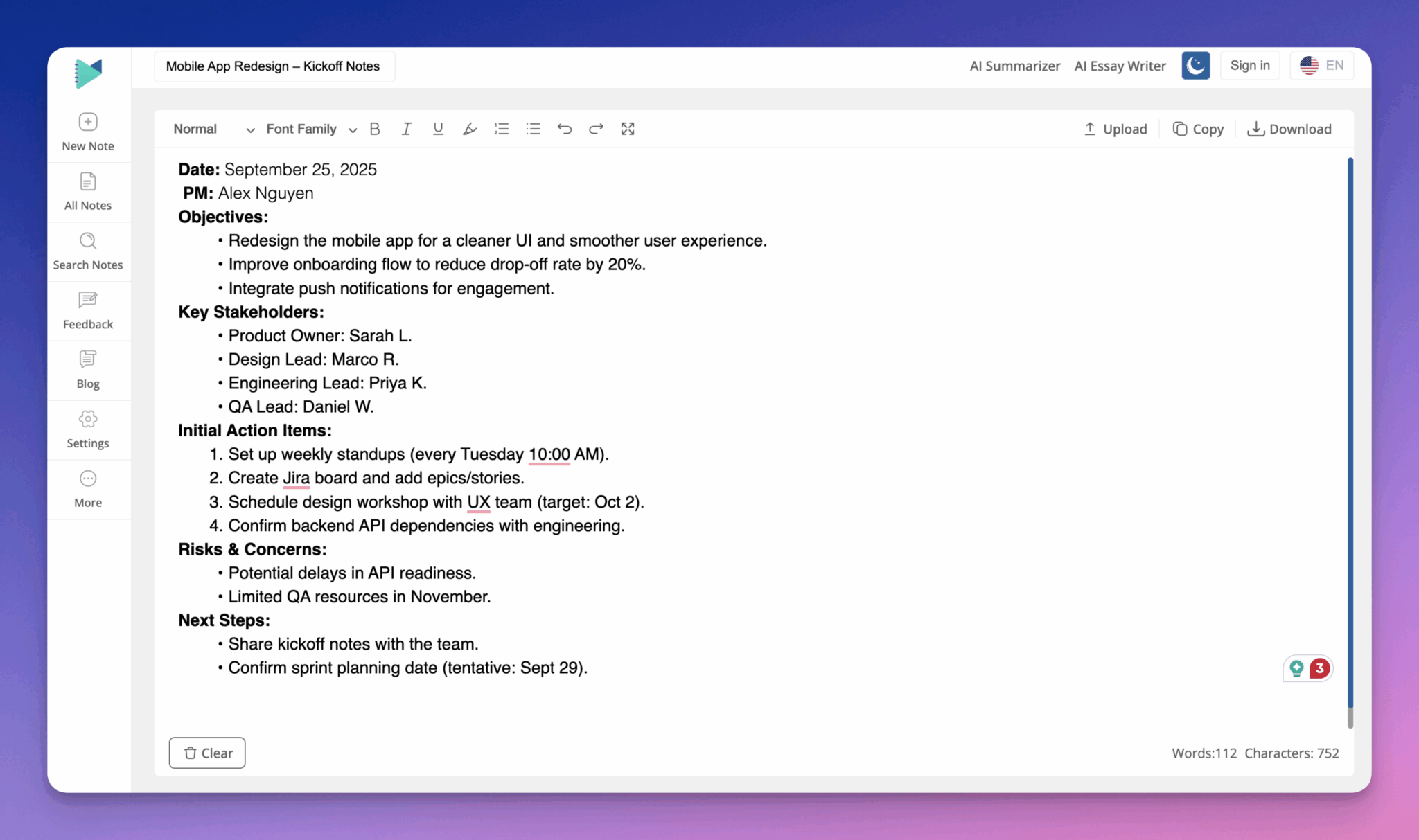
Here’s How This Tool Helps Project Managers
- Managers can use the online notepad to write important notes, reminders, and ideas instantly without any need for pen and paper.
- It helps managers get rid of paper cluttering and file scattering problems.
- The tool allows managers to categorize as well as tag their information or documents and access them on need.
- Another perk that makes this tool an effective option is its accessibility on various devices. So, managers can open it anywhere on any device.
- It is also integrated with a summarizer, using which managers can easily write concise project summaries.
- Additionally, it lets managers properly structure their rough form notes. For this, it offers editing and formatting options. They can add headings, underline key points, add bullets, and incorporate number lists as well.
- And so on…
3. Monday.com
Monday is a popular and versatile project management tool. It is a simple and user-friendly platform that anyone can navigate easily. To enhance its functionality, teams can use TeamBoard for Monday, which adds advanced resource planning and scheduling features. Additionally, it allows managers to:
- Plan the overall track of the project.
- Assign different members to a task.
- Track the success.

How Monday Helps to Keep Projects Clean & Organized?
- It allows managers to store all of their tasks as well as files in a single place in the centralized dashboard. This way, Monday removes the hassles of scattering project tasks between multiple tools.
- It lets managers create custom boards for ensuring a smooth and organized workflow.
- The tool offers a “Search Everything” feature, using which managers can quickly find any task or document across the boards.
- Another useful perk of Monday is its built-in automation feature, which is efficient in dealing with repetitive updates and routine follow-ups.
- It also offers a variety of views, such as Gantt charts, Calendar Views, Kanban boards, Workload views, and others.
4. JPG to PDF
Although JPG to PDF is not a traditional project management platform like Jira, Monday, or TaskFord, it helps to organize project documents in an organized and professional manner.
Project managers often have to deal with images, scanned documents, and design drafts. Storing all of them in different formats becomes messy. In this scenario, the JPG to PDF converter tool helps them organize documents into professional-looking PDFs to ensure consistency.
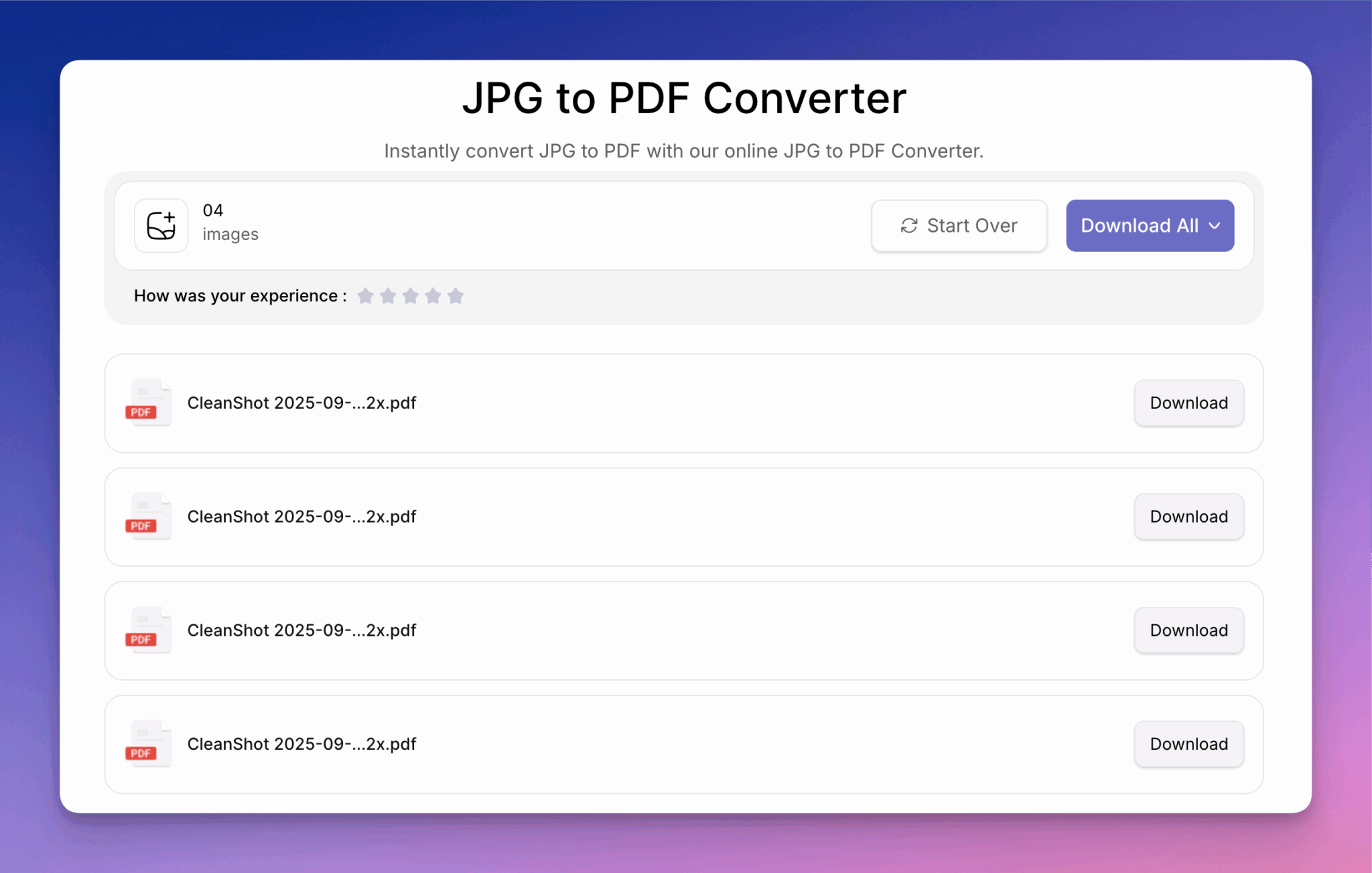
How JPG to PDF Helps Project Managers?
- It allows managers to automatically merge multiple images into a single PDF.
- With JPG to PDF, they can convert images of contracts, invoices, reports, and sketches into PDFs that can be opened on any device.
- By JPG to PDF conversion, managers can ensure that their files are easier to share.
- Converting images into PDFs will enhance the presentation of project-related documents.
- And so on….
5. Jira
Jira is another excellent choice for project managers that helps throughout the software development lifecycle. Whether it is planning, setting goals, or reporting, Jira is an all-in-one choice. To further extend Jira’s capabilities, users can install plugins like Proscheduler for Jira, which enable teams to manage portfolios, resource allocation, and scheduling more effectively.
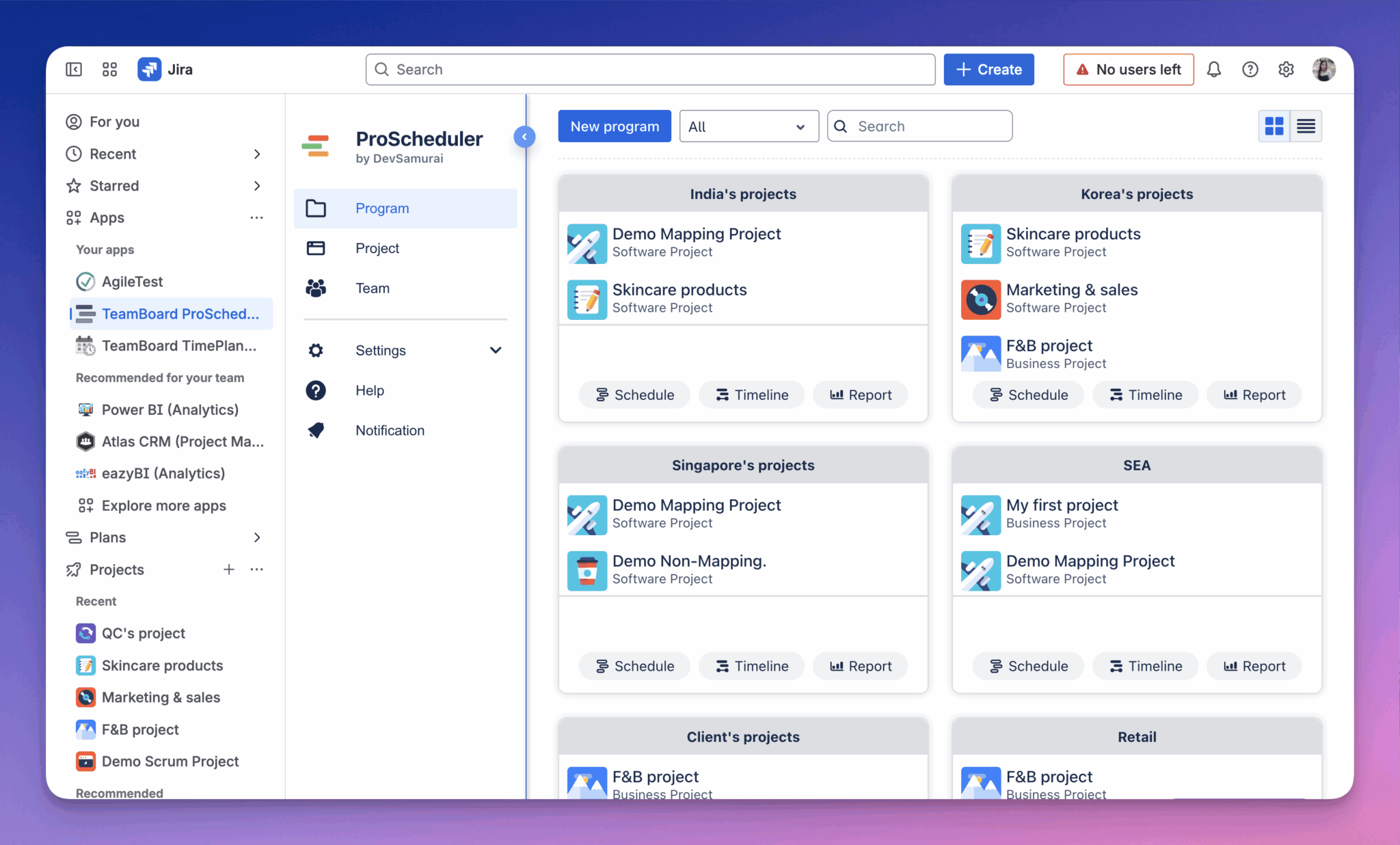
How is Jira helpful for Project Managers?
- This tool allows managers to break their larger projects into manageable parts and sprints.
- Jira also offers a structured backlog management feature, which is useful to keep pending tasks prioritized and easier to view.
- Another way through which Jira keeps projects clean and organized is its Scrum & Kanban boards. These boards give clear visual insights into the success of the project.
- Jira also provides reports and analytics to highlight the performance trends of the team.
Conclusion
Project management doesn’t seem challenging when the right tools are in use. Today’s online tools can help you easily organize project tasks, documents, meetings, and planning without any stress or headache. In this blog post, we have explained five effective tools that are useful to keep projects clean and organized.
By choosing the right toolset, project managers can not only improve team productivity but also foster better collaboration and transparency. Each tool offers unique strengths, from scheduling and resource allocation to reporting and analytics, ensuring that projects move forward smoothly. As teams continue to adapt to remote and hybrid work models, leveraging these solutions will be key to driving efficiency and achieving long-term success.
For more insight, check out related blogs: