
Effective project management depends heavily on professional & clear writing.
Whether it’s writing official project documents or updates, small mistakes in text can cause confusion, delays, or even financial losses.
AI tools give professionals innovative ways to write more accurately & more quickly.
In this guide, we are sharing 15 AI tips to boost accuracy in project management writing so that project management & operations leaders can streamline their workflows.
AI Tips for Accuracy in Project Management Writing
1. Let AI Grammar Checkers Catch Mistakes
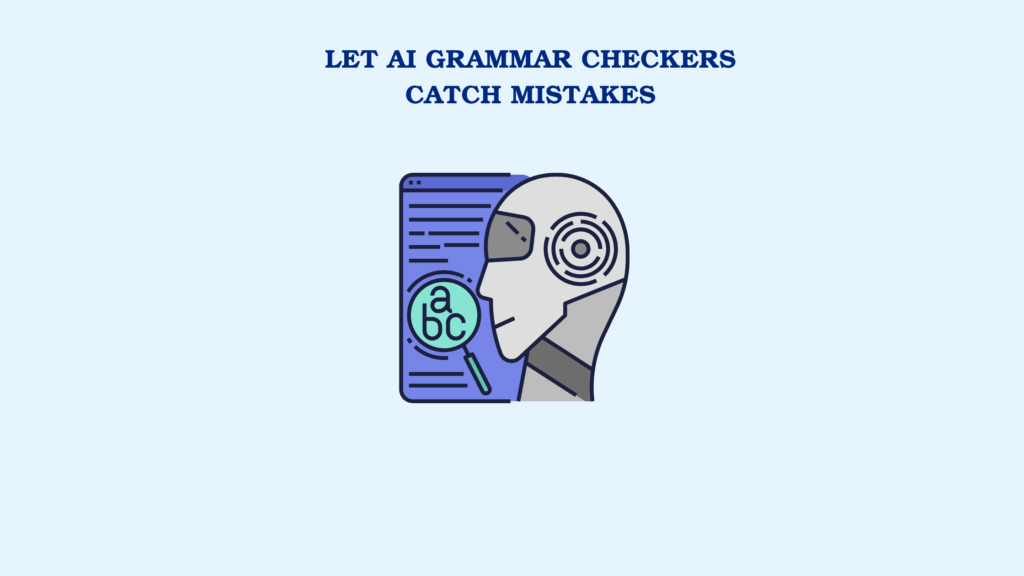
Mistakes in spelling or grammar? They do more damage than you think. They can hurt your credibility & leave people second-guessing your work.
The good news is that AI grammar checkers scan your text instantly & underline the spots you’d probably miss. This way, you can keep your projects free from grammar mistakes.
2. Simplify Complex Sentences with Style Suggestions
You may find difficult words & long sentences in the project report. Things get wordy. Explanations drag on. The main idea disappears.
So what’s the solution?
AI content editing tools scan your writing & point out where it feels too long, too heavy, or too complex. Instead of one lengthy sentence, you get two shorter ones. Instead of a wall of text, you get something that feels easy on the eyes.
The result? Team members stay on the same page. Misunderstandings don’t happen. And at the end of the day, collaboration feels smoother.
3. Say It Differently Using a Paraphraser
Repetition makes writing dull. That’s the problem.
A paraphrasing tool can help you rephrase sentences without changing the meaning. You can use these tools to learn how to say the same thing using different ways. Some tools offer multiple paraphrasing modes, allowing you to rewrite text in your desired tone.
Readers crave variety. They want words that breathe. Paraphrasing tools help you avoid redundancy & keep your documents engaging.
The result?
Clearer reports & stronger project communication.
4. Humanize AI Text for Natural Flow
AI can help you draft reports fast. But the problem is that AI-written reports get detected by AI detection tools.
And the worst part? They sound like a machine wrote them.
Nobody wants to read text that feels robotic.
That’s why professionals use tools to humanize ai text so that it bypasses detection systems & connects with readers.
These tools rewrite AI-generated text to make it sound more natural. In project management, clarity is power. With natural flow, your reports do more than inform. They persuade & make people listen.
5. Verify Data with Automated Fact-Checking
In project writing, you deal with sensitive information (numbers, rules, & technical data). One small mistake here can turn into big trouble.
Think about it: one wrong number in a report could derail a meeting, or worse, cost money. AI helps stop these slip-ups by cross-checking them before they reach your boss, your client, or the finance team. A shield for your credibility.
Accuracy in data is one side of the coin, but spotting issues early in a project is just as important. That’s where keeping an eye on task project management warning signs can save managers from bigger headaches later.
6. Summarize Lengthy Documents with AI
People involved in a project (like managers, clients, or team members) are usually too busy to go through long reports.
AI summary generators can shorten lengthy reports into easy-to-read summaries. This means project leaders don’t need to waste time reading every detail. AI gives them the main points while still maintaining accuracy in project management writing.
7. Maintain Consistency Across Documents
If your words keep changing, your message gets lost. Consistency is the glue that holds project communication together.
AI notices when you use slightly different words for the same idea. Maybe you write “sprint” once & “iteration” the next time. The tool suggests, “Pick one. Stick to it.” Because clarity saves time. Misunderstandings cost more.
When everyone uses the same word, no one is left guessing. Uniform words = clear minds.
8. Translate with Precision for Global Teams
Different languages mean different risks. One mistranslated word? A missed deadline. Or worse, a failed launch.
Can you afford that mistake?
Absolutely not!
AI translation tools help you keep the message alive & authentic. This way, your global partners don’t need to guess what you mean. They hear it right the first time.
9. Generate Templates to Avoid Gaps
AI can build ready-to-use templates for things like risk lists, meeting notes, & progress sheets.
Why does this matter?
Because nothing gets skipped.
Templates make everything look the same, which lowers the chance of missing info.
They also help newcomers get up to speed quickly.
10. Optimize Word Choice for Precision
Unclear words like “finish soon” or “make improvements” cause confusion.
AI helps refine word choice with specific ones. It changes “finish soon” into something like “wrap up in 48 hours days.” It also turns “make improvements” into “cut page errors by 20%.”
11. Detect Plagiarism in Collaborative Documents
When multiple contributors work on one project report, duplication can occur.
AI plagiarism detection tools check the text so everything stays unique & trustworthy. They highlighted plagiarized sections so you can rewrite them to achieve originality in project management documents.
12. Eliminate Plagiarism with AI Tools
Your reports should always be unique & not copied from somewhere else.
Plagiarism doesn’t always happen on purpose. Teamwork can make phrases overlap or repeat without realizing it.
A plagiarism remover helps clean up the traces of plagiarism by rewriting the text. These tools retain your main idea. Avoiding plagiarism preserves your credibility. That’s what’s on the line.
13. Create Meeting Notes Efficiently
Writing notes in meetings where participants talk fast is difficult. You miss details. Important points slip away. AI transcription tools listen for you. They capture everything spoken & turn it into a clean summary.
End results?
Less chance of mistakes. Everything that needs to be done gets written down.
14. Use Version Control to Avoid Mistakes
Writing project documents involves several revisions. Here, AI tools highlight edits (what has changed) so outdated details don’t creep back in. This helps keep the final file clean & correct.
15. Combine Multiple AI Tools for Best Results
AI works best when you use different tools together. Mix multiple AI tools. The result? Professional project documents that are easy to read.
AI is changing how project writing gets done today, but it’s also part of a much bigger shift in management practices. Looking at 2025 project management trends can show how these tools fit into the bigger picture.
Conclusion
Project managers can’t just work fast; they must also make sure their work is accurate.
Deadlines are looming. Teams rely on clear communication. A single small mistake? It could create big problems.
That’s why applying these AI tips to boost accuracy in project management writing is not optional; it’s essential.
Grammar checkers, paraphrasers, AI text humanizers, summarizers, & transcription tools; each tool improves writing quality & makes the manager look more credible.
If you use AI wisely, your project writing will be clear.